Everything
for your calendars.
Syncory builds tools that make your calendar life easier. So your calendar works for you, not the other way around.

Everything you need for your calendars
Sync calendars across different providers, or share your availability with a booking link. Simple to set up. Always up to date.
Every calendar in lockstep
Google, Outlook, Apple and many more providers. Syncory keeps your calendars in sync automatically and makes sure changes are reflected everywhere.
- Real-time changes
- Privacy comes first
- Syncs both ways


Let people book time in seconds
Share one link instead of endless messages. Others see your open times and book straight into your calendar.
- Personal booking link
- Matches your branding
- Flexible to embed
Built to protect your data
Syncory is designed with security first.
Encrypted Connections
Syncory uses the secure OAuth2 protocol to connect your calendars. We never see your login credentials, and you can revoke access at any time.
Minimum Access
We request only the calendar permissions Syncory actually needs. No access to your email, contacts, or anything outside your calendars.
No Calendar Content Stored
We never store your event details — no titles, descriptions, or attendees. We only store the information technically required for each feature, and all data is hosted on servers within the EU.
Attack Protection
Built with modern security standards to protect your connections and prevent unauthorized access.
Frequently asked questions
Everything you need to know about Syncory.
News & Updates
Guides, updates and insights on everything about calendars.
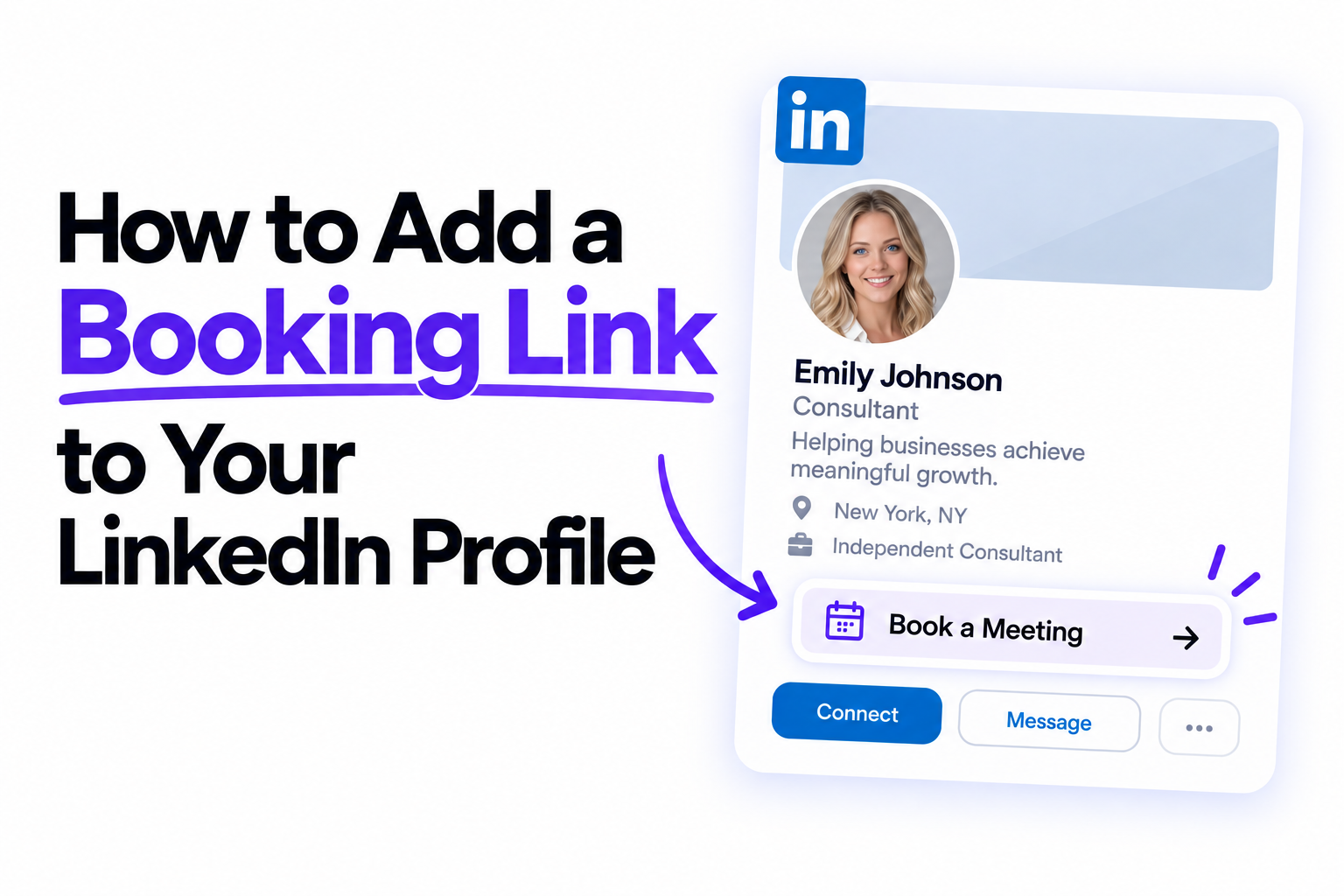
How to Add a Booking Link to Your LinkedIn Profile
Learn how to add a booking link to LinkedIn and let prospects schedule a meeting in just a few clicks.
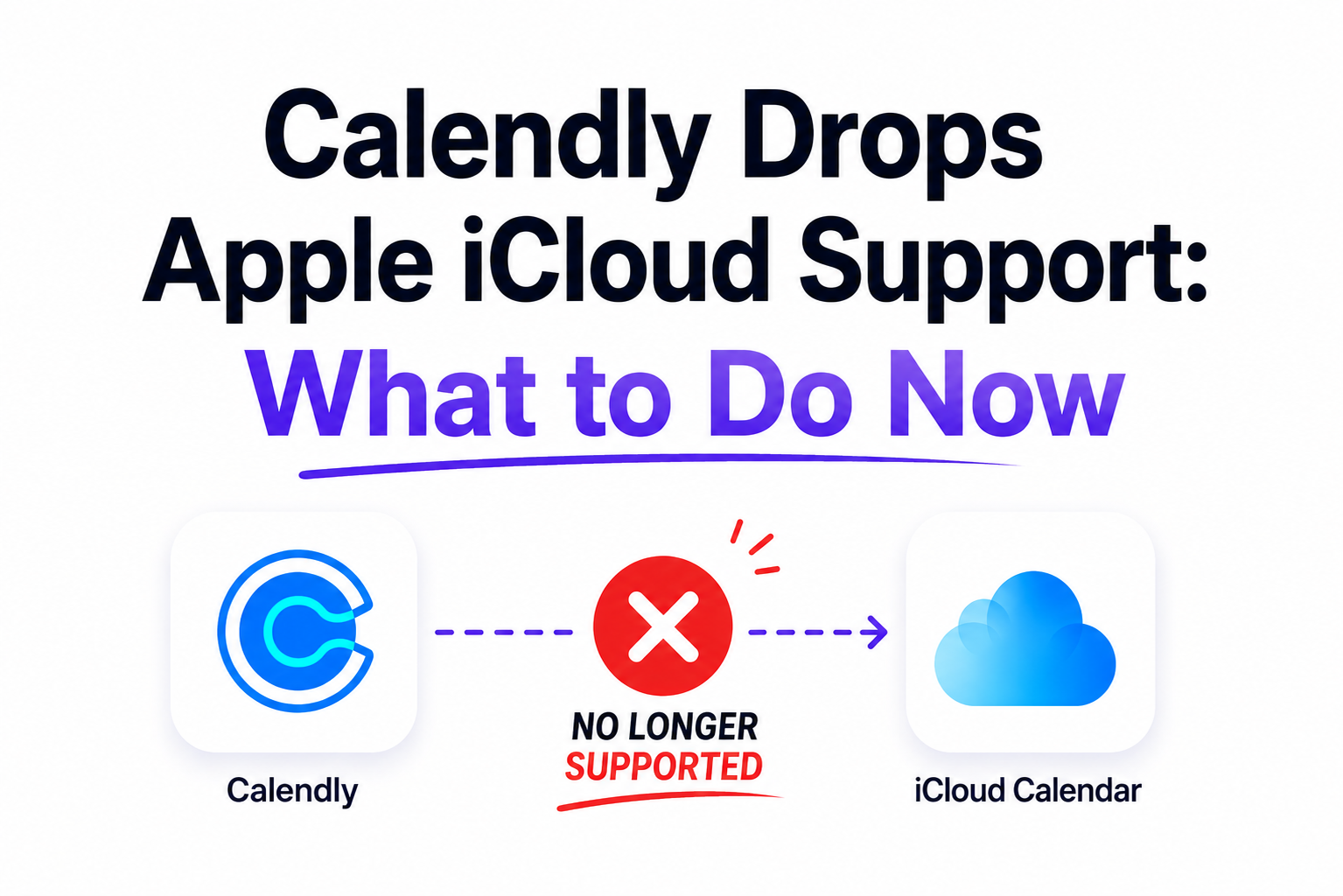
Calendly Drops Apple iCloud Support: What to Do Now
Find out why Calendly dropped Apple iCloud support and how to keep your calendars in sync.
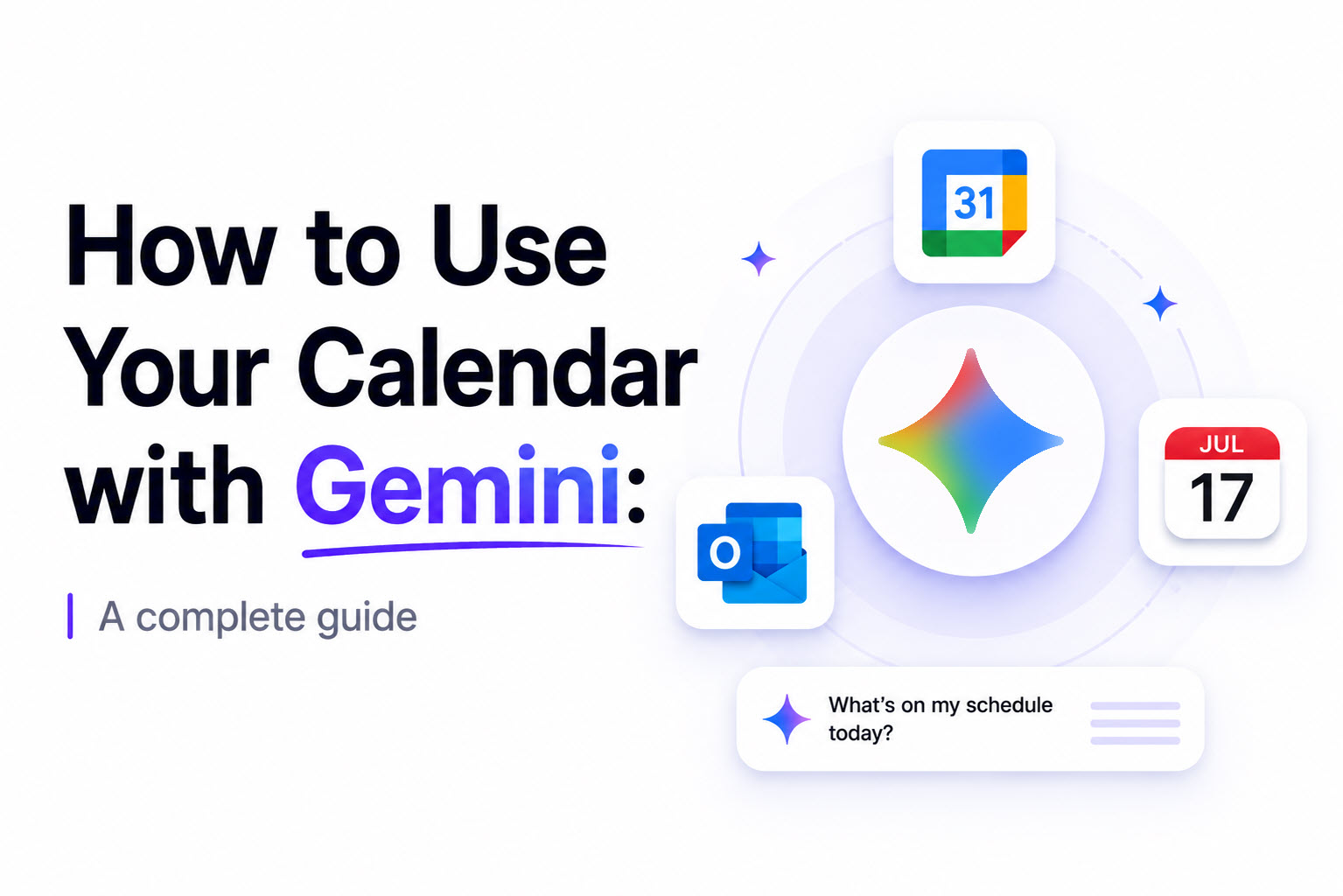
How to use your Calendar with Gemini: A complete Guide
Learn how to connect your calendar to Gemini and access events from Outlook, iCloud, and more.
Using Grok with Google Calendar and Outlook: A Complete Guide
A complete guide to using Google Calendar and Outlook with Grok Connectors.
Using Copilot with Google Calendar and Outlook: A Complete Guide
Connect Google Calendar and Outlook to get the most out of Microsoft Copilot.
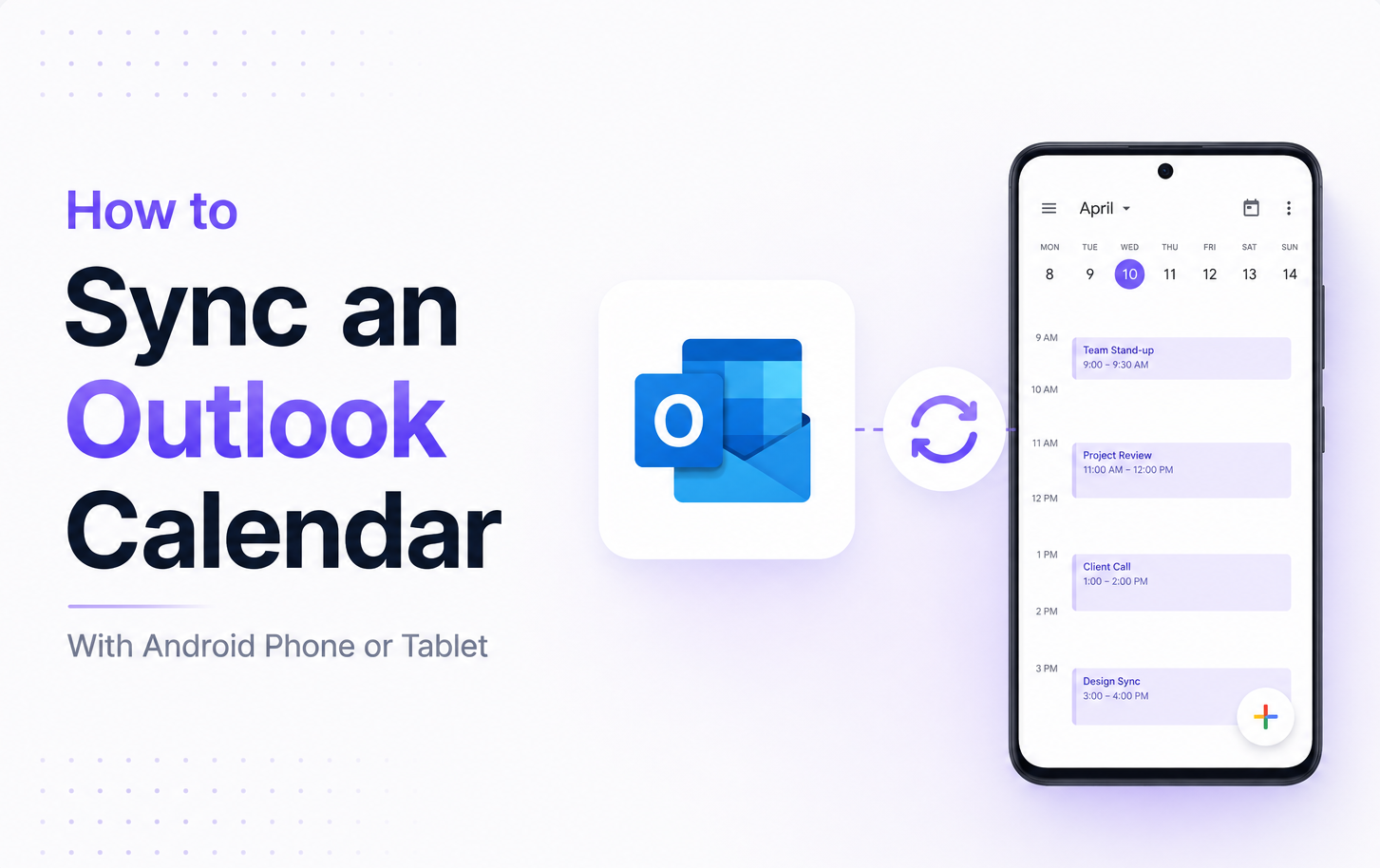
How to Sync Outlook Calendar With an Android Phone or Tablet (Step-by-Step Guide)
Learn how to sync your Outlook Calendar with an Android phone or tablet using the official Outlook app.
Get started with Syncory today
Everything you need for your calendar. Free to get started, no subscription required.
Create your free account